Understanding Seamless Music Looping
Seamless looping is a fundamental technique in audio production that involves creating music loops that transition smoothly from the end back to the beginning without any noticeable breaks or interruptions. This method ensures that the listener experiences continuous audio playback, which is essential for maintaining immersion and flow, particularly in multimedia environments such as video games, films, and background soundtracks.
The concept of seamless looping revolves around the precise alignment of waveforms and beats so that when the loop restarts, it feels natural and unbroken. The audio loop must be meticulously edited to avoid clicks, gaps, or timing inconsistencies, which can distract the listener and break the audio’s cohesion. This requires a good understanding of audio looping basics, including identifying the ideal loop points within the music and ensuring consistent tempo and rhythm throughout the loop.
In audio production, seamless looping holds great importance because it enhances the aesthetic quality and functionality of soundtracks. For example, in game development, seamless looping allows background music to play indefinitely without repetitiveness becoming obvious, thus enriching the gaming experience. Similarly, in film and video, looping music can provide an uninterrupted emotional backdrop, tailoring the mood without drawing attention away from the visuals.
Common applications of seamless looping extend beyond entertainment into areas such as meditation and relaxation apps, where continuous and undisturbed soundscapes promote calmness and focus. DJs and music producers also employ seamless music loops for live performances and remixing, where smooth transitions between tracks are crucial. Understanding these looping basics not only helps in crafting better audio loops but also opens up creative possibilities for various multimedia projects.
Overall, mastering seamless looping is key to producing professional-quality music loops that serve their intended purpose effectively—delivering an uninterrupted and engaging listening experience.
What is Seamless Looping?
Seamless looping refers to the process of creating an audio loop that plays continuously without any audible gaps or interruptions. Unlike regular looping, where you might notice a distinct start and end point causing a jarring or brief silence, seamless looping ensures the transition from the end of the loop back to the beginning is smooth and fluid. This technique is fundamental in audio production, especially in music and sound design, where maintaining the flow of sound is crucial to the listening experience.
The looping concept involves repeating a segment of audio so that it can extend indefinitely. Traditional loops often contain small imperfections or timing issues at the boundaries that break immersion or distract the listener. Seamless looping resolves these issues by carefully matching the waveform, volume, and rhythm at the loop points, making the loop sound like one continuous piece rather than a repetitive segment.
In essence, a seamless audio loop is engineered to be imperceptible to the listener, enhancing background music in video games, apps, or any audio environment where prolonged sound playback is required. By understanding and applying the definition of seamless looping and distinguishing it from regular looping, creators ensure a higher quality and more professional audio experience.
Why Loop Music Without Seams?
- Enhances Listener Experience: Seamless loop music creates a smooth, uninterrupted flow that keeps listeners engaged without noticing abrupt stops or starts. This continuous playback helps maintain the mood and atmosphere, making the audio more immersive and enjoyable.
- Delivers Professional Sound Quality: Using seamless loops ensures that the transitions between the end and start of the track are flawless, avoiding jarring audio cuts or overlaps. Such polish reflects quality and professionalism in any audio production, from games to videos.
- Provides Versatility in Use: Seamless music loops allow producers and composers to extend tracks to any desired length without losing audio coherence. This flexibility is especially valuable in interactive media, presentations, and background music scenarios.
- Reduces Listener Fatigue: Abrupt or unnatural transitions in looped music can be distracting or tiring. Seamless loops offer a natural, continuous experience, making it easier for the audience to stay focused and relaxed over extended listening periods.
- Supports Consistent Branding and Atmosphere: In professional environments like games, apps, or events, seamless looping music helps establish a consistent sound identity, enhancing the overall perception and emotional impact on the listener.
Techniques for Creating Seamless Music Loops
Creating seamless music loops requires a combination of precise audio editing and effective looping techniques to ensure that the transition from the end of the loop back to the beginning is imperceptible. One of the most common approaches is to use the fade and crossfade methods, which softly blend the end and start of audio clips to eliminate harsh cuts.
The fade technique involves gradually decreasing the volume at the end of a loop and gradually increasing it at the start. This soft transition can mask abrupt changes in sound, making the looping more fluid. It works well with ambient or soundscape loops where a smooth blend is preferable to a noticeable cut.
Crossfading goes a step further by overlapping the end of the loop with the beginning and smoothly blending the two sections together. This method requires careful alignment of the waveform to ensure that the overlapping parts are in phase and do not produce unwanted artifacts such as clicks or volume spikes. Audio editing software often provides crossfade tools that allow detailed control of curve shapes and duration, which are crucial for perfect loops.
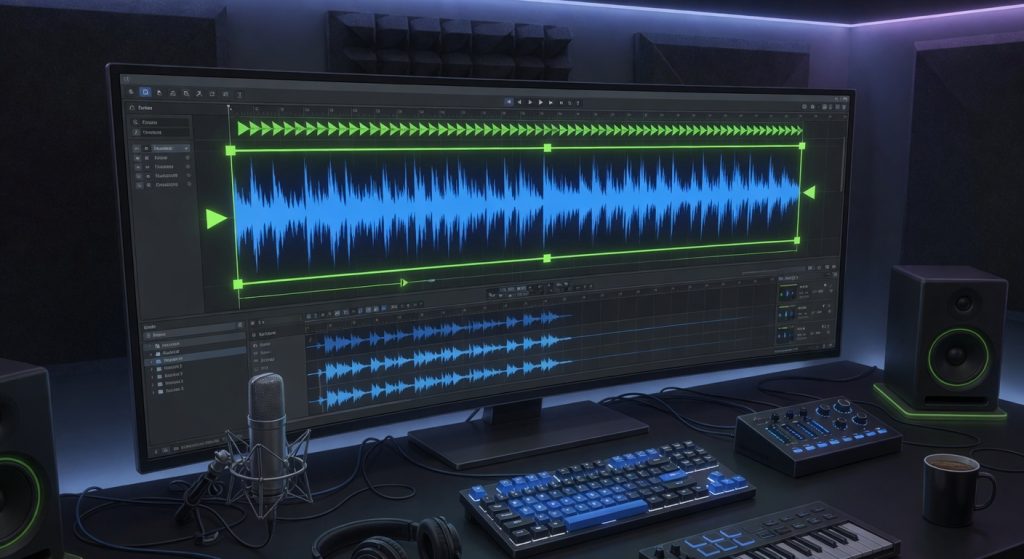
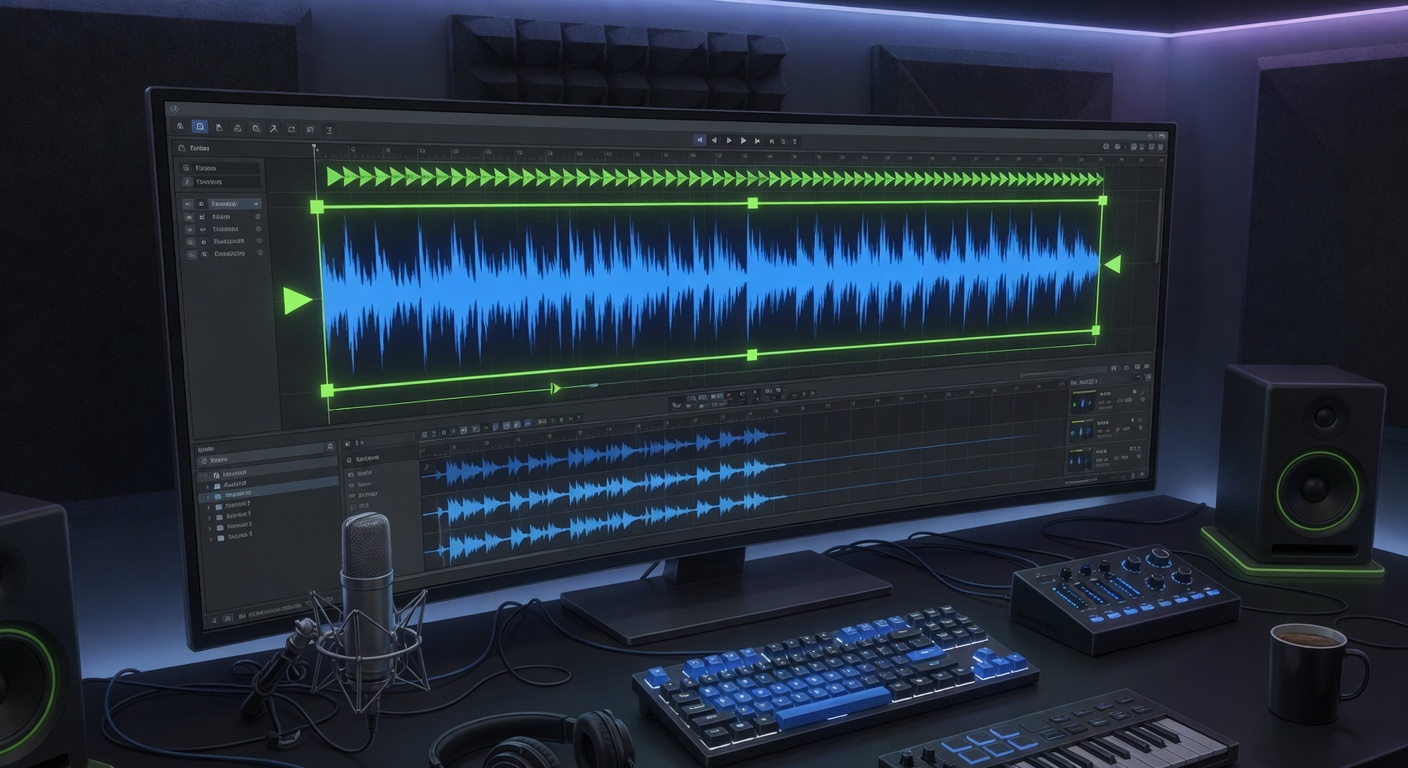
Another key technique is to precisely edit the loop points — the exact positions where the loop starts and ends. By zooming in on the waveform in your audio editing tool, you can align these points at zero-crossings (where the waveform crosses the zero amplitude line). Looping at zero-crossings avoids abrupt jumps in waveform amplitude that cause clicks and distortions, thus producing a cleaner loop.
Additionally, timing adjustments such as trimming silence or excess tail from effects like reverb are important. Sometimes, loops sound unnatural if the leftover tails cut off too abruptly, so trimming them carefully or using fades ensures a more natural loop cycle. Using tempo-syncing features in your audio editor or digital audio workstation (DAW) can also help match the loop perfectly to your track’s tempo, ensuring the loop feels consistent.
In summary, combining proper looping techniques, such as precise loop point selection, fade, and crossfade, with good audio editing practices, can create professional, seamless music loops free from audible breaks. Experimenting with these techniques lets you find the most natural looping style suited for your music project.
Using Crossfade to Smooth Transitions
Crossfade is a powerful audio transition technique used to seamlessly blend the end of one audio segment into the beginning of another, making it especially useful in looping music. When loops are played repeatedly, small audible gaps or clicks can disrupt the listening experience. By applying crossfade, these unwanted artifacts are effectively eliminated.
The method involves overlapping the fading out of one audio clip with the fading in of the next. During this overlap, the volume of the outgoing audio decreases gradually while the incoming audio simultaneously increases, creating a smooth audio transition. This gradual change prevents abrupt changes in the sound wave that typically cause clicks or gaps.
To implement crossfade, most audio editing software provides fade in and fade out envelopes that can be manipulated visually or numerically. Adjusting the length and curve of these fades allows for fine-tuning the blend depending on the specific characteristics of the loop. Longer crossfade durations tend to create more natural transitions but should be balanced against the loop’s rhythm to avoid noticeable overlaps.
Using fade techniques like crossfade not only enhances the flow of looping music but also adds to the overall professional quality of the audio. By carefully applying crossfade effects, producers ensure that each loop cycle sounds continuous without any distracting interruptions, making for a smooth and enjoyable listening experience.
Editing Loop Points Precisely
To achieve seamless repetition in your looping music, it’s essential to focus on selecting and editing loop points with precision. Loop points mark the start and end of the audio segment that will repeat, so placing these points correctly can make or break the fluidity of your loop.
Begin by carefully listening to the audio and identifying where the loop should naturally begin and end. Use audio trimming tools to zoom in on waveforms and pinpoint the exact sample where the sound flow feels continuous. This high level of detail is crucial to avoid audible jumps or gaps between loop iterations.
Once you have rough loop points, fine-tune them by experimenting with small adjustments—sometimes just a few milliseconds can make a big difference. Use features such as crossfade or fade-in/fade-out at loop boundaries to smooth transitions and further mask any minor imperfections.
Precise editing of loop points takes practice but mastering it ensures your looping music sounds polished and professional. Remember to consistently check your edits by playing back the loop repeatedly and adjust as necessary until the repetition feels natural and uninterrupted.
Tools and Software for Looping Music Seamlessly
When it comes to looping music without seams, the right tools and software make all the difference. Looping software and digital audio workstations (DAWs) designed with seamless audio looping in mind provide the necessary features to create flawless music loops. Whether you’re a professional musician or a hobbyist, understanding the capabilities of these audio tools can significantly enhance your workflow and the quality of your loops.
One of the most popular choices among musicians is Ableton Live, a digital audio workstation known for its powerful looping capabilities. Ableton’s session view allows users to trigger loops in real-time, making it ideal for live performances and studio production. Its warp feature ensures time-stretching audio files without losing quality, which is essential for creating seamless loops regardless of tempo changes.
Another widely used looping software is FL Studio. Favored for its user-friendly interface, it offers extensive MIDI support and a robust playlist feature where looped segments can be arranged and edited with precision. The pattern-based workflow helps producers quickly assemble and tweak loops, while its wide array of plugins and effects offer additional creative possibilities for audio manipulation.
Logic Pro, Apple’s professional digital audio workstation, also excels in seamless looping. It features a comprehensive set of audio tools including Flex Time, which adjusts the timing of audio recordings to ensure perfectly timed loops. Logic Pro’s user-friendly environment, combined with its extensive sound libraries and high-quality effects, makes it another excellent option for music creators looking to produce clean and professional loops.
For those seeking specialized looping hardware software hybrids, products like the Boss RC series loop stations integrate with DAWs and offer intuitive controls for layering loops live. These loopers provide tactile control over recording, overdubbing, and playback, blending digital precision with hands-on musicality. They are especially valuable in live settings where seamless transitions are critical.
In summary, choosing the appropriate looping software and digital audio workstation depends on your specific needs—whether it’s live performance or studio production. Ableton Live, FL Studio, and Logic Pro stand out as versatile DAWs with strong audio tools for looping. Combined with hardware loop stations, these tools empower musicians to create seamless and captivating loops effortlessly.
Top DAWs for Seamless Looping
When it comes to looping, selecting the right digital audio workstation (DAW) can significantly enhance your workflow and creativity. Many producers and musicians turn to specific music production software known for their robust looping capabilities. Here’s a list of some of the top DAWs favored for seamless looping:
- Ableton Live: Known widely as the go-to audio workstation for live performance and looping, Ableton Live offers intuitive clip launching and session views that make looping precise and effortless. Its real-time time-stretching and warping features help maintain seamless loops regardless of tempo changes.
- FL Studio: This versatile music production software has a pattern-based sequencer ideal for looping. FL Studio allows users to create and arrange loops easily, with flexible automation and mixing options that support complex looping projects.
- Logic Pro: Apple’s flagship DAW is popular among Mac users for its rich set of creative tools. Logic Pro’s Quick Loops and Live Loops features provide an efficient workflow, letting users trigger and manipulate loops dynamically within their projects.
- Bitwig Studio: Bitwig Studio’s modular approach to music production includes powerful looping tools designed for experimentation. Its clip-based workflow and flexible modulation system enable seamless, intricate loops and transitions.
- Reaper: Known for its customization and lightweight design, Reaper is a favorite for users who want tailored looping solutions. With extensive support for scripting and plugins, it’s highly effective for crafting seamless loops in various styles.
Choosing the right DAW depends on your unique needs in music production, but these audio workstations consistently rank high for their looping features and overall reliability in creative workflows.
Plugins and Effects to Enhance Loops
Utilizing the right audio plugins and loop effects is essential for elevating the quality and smoothness of music loops. These tools allow producers to creatively refine loops, eliminating any audible seams and enhancing the overall listening experience. Popular plugins include time-stretching and pitch-shifting effects, which help align loop segments perfectly without compromising sound integrity. Additionally, crossfade effects are invaluable for creating seamless transitions between loop points, reducing abrupt changes that may disrupt the flow.
Sound enhancement plugins often incorporate equalizers and dynamic processors like compressors and limiters to balance the audio spectrum and control volume fluctuations, ensuring the loop remains consistent throughout playback. Reverb and delay effects can also be subtly applied to add depth and space, making the loop sound more natural and engaging. Experimenting with modulation effects such as chorus and flanger can add richness and movement to repetitive looped content, preventing it from sounding static or dull.
Integrating these audio plugins and loop effects into your workflow enables a professional polish, allowing loops to transition flawlessly within any composition. By focusing on both technical precision and creative sound shaping, musicians can craft loops that maintain interest and blend effortlessly, supporting dynamic and immersive musical arrangements.

I’ve been playing video games since I was a kid, and that passion naturally led me to explore how they’re made. I love diving into game design concepts and sharing insights with fellow enthusiasts. When I’m not testing new titles, I’m tinkering with Unity and learning new programming tricks.