

Hand-keyed animation remains the gold standard for cinematic moments, but it drains hours of an animator’s week per single clip. Studios that have shifted their pipeline toward procedural animation report saving 30 to 40 percent of total production time on repetitive character actions like walking, running, and environmental reactions. The core idea is simple: instead of placing every joint by hand, you build a system of rules and physics that generates the motion automatically based on input parameters. This approach frees animators to focus on high-value performance work while the engine handles the mechanical grunt work in the background. You do not need a PhD in mathematics to implement this; you need a clear understanding of where your time is leaking in the current workflow.
Auditing Your Animation Bottlenecks
Before you write a single line of code, you must identify which animations are eating your budget. Pull the last production cycle and track the average time spent on each character action type. You will likely find that 70 percent of your effort goes into basic locomotion, idle states, and simple combat reactions. These are the prime candidates for automation because they follow predictable patterns that do not require unique artistic interpretation every time. If you try to automate a complex emotional monologue, you will spend more time tweaking parameters than you would saving by keying it manually.
Map these actions against your team’s current skill set and toolchain limitations. A small indie team might struggle with complex IK chains in a real-time engine, while a larger studio can afford dedicated middleware. Write down the specific pain points for each action, such as foot sliding on uneven terrain or stiff arm swings during sprinting. This list becomes your roadmap, ensuring that you build tools that solve actual problems rather than chasing technology for its own sake. The goal is to reduce the friction between the animator’s intent and the final on-screen result.
Set a baseline metric for success before you start building. If your current average time for a full combat animation set is forty hours, define what “cut production time” actually looks like in your context. Is it twenty hours? Ten hours? You need a concrete number to validate the new workflow later. Without this baseline, you risk spending weeks on a system that saves only marginal minutes, which is not worth the integration overhead. This step feels administrative, but it prevents the most common mistake: building a complex system that fails to deliver measurable efficiency gains.
Selecting Your Procedural Toolchain
The choice of software defines how much control you have over the generated motion and how hard it is to integrate with your engine. Unity’s Mecanim system offers built-in procedural capabilities through code, while Unreal Engine provides a robust Animation Blueprint structure that allows for rule-based logic. For independent developers, free tools like Blender with custom Python scripts can handle offline generation of keyframes that are then imported into the game engine. Each option has trade-offs: engine-native solutions are faster to implement but less flexible, while offline tools offer more control but add an extra step to the pipeline.
Consider whether your procedural animation needs to run in real-time or can be pre-baked. Real-time procedural motion is essential for physics-driven reactions, like a character stumbling when pushed or adjusting their balance on a slope. Pre-baked procedural animations are better for loops and predictable sequences where performance is critical and you cannot afford the CPU cost of runtime calculations. Many studios use a hybrid approach, pre-baking standard walks and runs but calculating collision responses dynamically during gameplay. This split strategy keeps frame rates stable while still providing the dynamic feel that players expect.
Evaluate the learning curve of your chosen tools against your team’s current expertise. If your animators are comfortable with C# or Python, they can more easily extend engine features to create custom procedural systems. If they prefer node-based visual scripting, look for middleware that exposes those interfaces directly. Do not force a tool on your team because it is trendy; the best tool is the one your animators will actually use and maintain. A system that requires constant debugging by a senior programmer who is already overloaded will quickly fall out of use and be abandoned.
Building Parameterized Motion Systems
Start with a single, simple action like a walk cycle to test your procedural logic. Define the core parameters that drive the motion, such as speed, surface friction, and character weight. Instead of creating separate animations for every possible combination, you build one master animation that deforms based on these input values. For example, increasing the speed parameter should automatically lengthen the stride and increase the forward lean of the torso. This single animation can now generate hundreds of unique variations without any additional keyframes.
iHeartGameDev: Intro to Animation Rigging & Procedural Animation in Unity
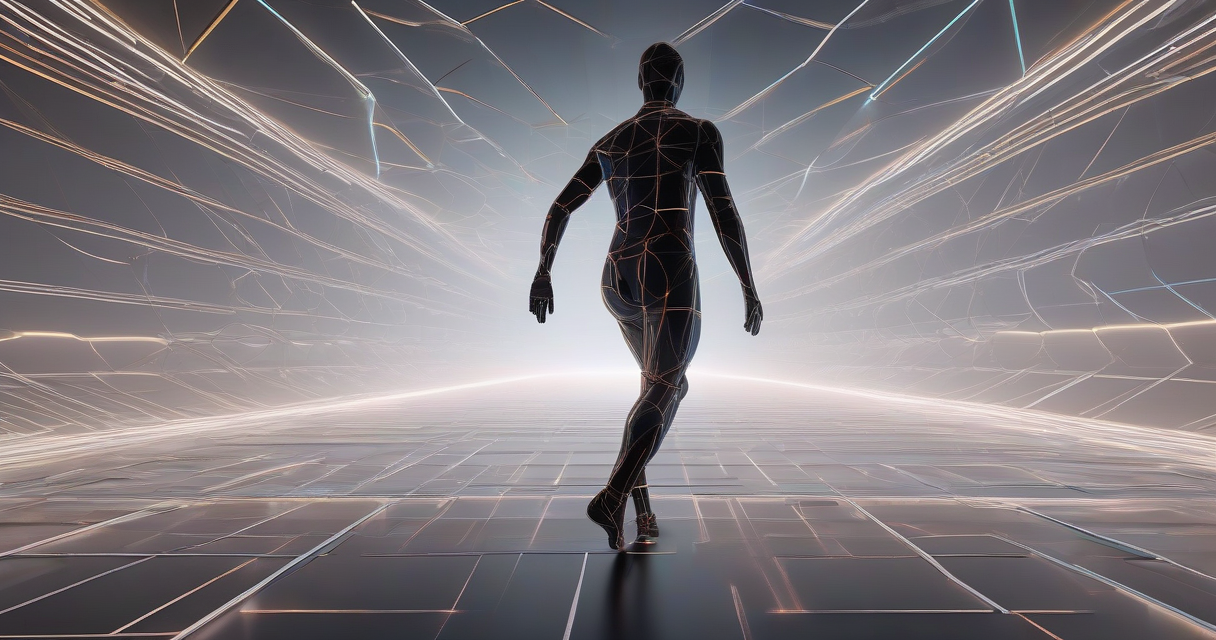
Layer secondary motion on top of the primary procedural base to add life and believability. The main body movement is calculated by your rules, but the hair, clothing, and accessories should react independently based on inertia and wind simulation. These secondary elements do not need to be perfectly accurate; they just need to feel consistent with the physics of the scene. Adding a simple sine wave noise function to these secondary transforms can make the character feel alive without requiring complex cloth simulation solvers that might tank your performance.
Test the system by pushing the parameters to their extremes to find the breaking points. What happens when the speed parameter hits zero? Does the character freeze in an awkward pose or transition smoothly into an idle state? What if the surface friction drops to near zero? Does the character slip realistically or just slide like a hockey puck on ice? These edge cases are where procedural systems often fail, and finding them now saves you from embarrassing glitches in your final build. Iterate on the rules until the motion feels natural across the entire range of possible inputs.
Integrating Physics-Based Corrections
Pure mathematical rules often produce motion that looks technically correct but artistically sterile, lacking the subtle imperfections of real movement. Introduce physics-based corrections by applying forces and torques to specific bones in the character rig at runtime. For instance, when a character jumps, apply a downward force to the spine bone upon landing to simulate the impact on the body. This adds weight and consequence to the action without requiring you to keyframe every single landing variation manually.
Use inverse kinematics (IK) targets to anchor the character’s feet to the environment dynamically. If your procedural walk cycle generates foot placements that do not match the actual geometry of the level, the character will appear to float or clip through walls. By attaching IK targets to the ground mesh and solving for the leg positions in real-time, you ensure that the feet stay planted even on uneven terrain. This technique is standard in modern AAA games and can be implemented with basic math functions if you understand the underlying vector operations.
Balancing the strength of these physics corrections is a delicate art. Too much force and the character looks like a ragdoll, wobbling uncontrollably and breaking the player’s immersion. Too little force and the motion remains stiff and robotic, failing to achieve the organic feel you are aiming for. Start with low values and gradually increase them while watching the result in the game engine. Record your preferred settings in a shared document so that other animators can replicate the same feel across different characters and scenes.
Optimizing Runtime Performance Costs
Procedural systems are not free; every calculation you run on the CPU or GPU consumes resources that could be used for rendering or game logic. Profile your animation system early to identify which functions are eating the most processing power. You will often find that complex trigonometric calculations or repeated vector operations in update loops are the main culprits. Optimize by pre-calculating values that do not change frequently and caching them in variables rather than recalculating them every frame.
Limit the number of bones that participate in procedural deformation to only those that need it. A human character rig might have fifty bones, but you probably only need to procedurally drive the spine, hips, and limbs. The fingers and facial bones can remain keyframed or driven by simpler, cheaper systems. By restricting the scope of your procedural logic, you reduce the computational load significantly and make the system easier to debug when something goes wrong.
Monitor frame times on your target hardware, especially if you are developing for mobile or console platforms with stricter performance budgets. A system that runs smoothly on a high-end desktop PC might cause frame drops on a mid-range smartphone. Test your procedural animation under worst-case scenarios, such as multiple characters moving simultaneously on screen, to ensure that the overhead remains within acceptable limits. If it does not, consider reducing the frequency of updates or simplifying the mathematical models used for the calculations.
Mitigating Common Artistic Pitfalls
The biggest risk with procedural animation is that it can start to look generic and repetitive if not handled carefully. Players are quick to notice when characters move like robots, especially in close-up shots. To avoid this, add randomized noise to your procedural parameters so that no two cycles are exactly identical. A slight variation in the timing of each step or the angle of an arm swing adds a layer of unpredictability that mimics human imperfection and keeps the audience engaged.
Ensure that your procedural system respects the artistic intent behind the character design. A heavy, armored knight should not move with the same lightness as a agile thief, even if they are using the same underlying procedural rules. Adjust the mass, inertia, and response speed parameters for each character archetype to reflect their physical properties. This differentiation is what separates a polished game from one that feels like a tech demo, where every character moves exactly the same way.
Gather feedback from your team and playtesters early and often, focusing specifically on how the motion feels rather than just how it looks. Ask them to describe the movement in words: does it feel heavy? Does it feel responsive? Does it feel broken? This qualitative data is invaluable for tweaking the parameters because visual inspection alone might miss subtle timing issues that affect gameplay feel. Iterate based on this feedback, making small adjustments until the motion feels right in context.
Validating and Scaling Your Workflow
Once your procedural system is stable, measure its impact against the baseline you established in the first step. Compare the time it takes to produce a new character’s animation set using the old method versus the new procedural approach. You should see a significant reduction in total production hours, especially for repetitive actions. If the numbers do not reflect a clear improvement, revisit your parameters and rules to find where the bottlenecks remain. This validation step proves the value of the workflow to stakeholders and justifies further investment.
Document every rule, parameter, and exception you create in a shared knowledge base for your team. Procedural systems can become opaque quickly if only one person understands how they work. Clear documentation ensures that any animator can make adjustments without breaking the entire pipeline or introducing new bugs. This knowledge sharing is critical for scaling the workflow across multiple projects and characters over time.
Keep an eye on emerging tools and techniques that might improve your current setup, but do not adopt them blindly. The game development field moves fast, and new solutions appear regularly that promise even greater efficiency. Evaluate these new options against your existing pipeline to see if they offer a genuine improvement or just a different set of problems. Your goal is a sustainable workflow that fits your team’s capabilities and your project’s needs, not the latest trend in technology.

I’ve been playing video games since I was a kid, and that passion naturally led me to explore how they’re made. I love diving into game design concepts and sharing insights with fellow enthusiasts. When I’m not testing new titles, I’m tinkering with Unity and learning new programming tricks.