Introduction to UI Sound Design
UI sound design refers to the practice of integrating audio elements into user interfaces to enhance the overall user experience. This branch of design focuses on crafting sound feedback and audio cues that provide users with intuitive and immediate responses to their interactions with digital products. By incorporating sound strategically, UI sound design creates a more engaging and accessible environment, helping users understand system status, confirm actions, and navigate interfaces effortlessly.
The importance of UI sound design in digital products cannot be overstated. Audio cues serve as a critical layer of communication that complements visual feedback. For example, subtle sounds can indicate successful button presses, error messages, or loading processes without requiring users to divert their visual attention. This auditory feedback supports multitasking and improves accessibility for users with visual impairments. Moreover, well-designed UI sound enhances emotional engagement, making the experience feel more dynamic and responsive.
Sound feedback delivered through UI sound design plays a vital role in reinforcing user actions and guiding behavior. Effective audio cues are carefully balanced to be noticeable but not intrusive, ensuring they enhance rather than distract from the digital experience. These cues can clarify navigation paths, signal the completion of tasks, or alert users to important changes within the interface. By doing so, sound feedback reduces uncertainty and increases confidence, leading to smoother interactions and higher user satisfaction.
In summary, UI sound design is an essential aspect of modern user interface development. It leverages the power of sound feedback and audio cues to create intuitive, accessible, and emotionally engaging experiences in digital products. Designers who master this craft contribute significantly to making technology interactions more natural, efficient, and enjoyable for all users.
Purpose and Benefits of UI Sounds
UI sounds play a crucial role in enhancing the overall user experience by providing multiple benefits that contribute to improved usability, effective feedback, and increased user engagement. One of the primary advantages of incorporating UI sounds is the improvement of usability, as sounds help users understand the outcomes of their actions instantly, making interfaces more intuitive and easier to navigate.
Feedback is another essential benefit offered by UI sounds. They act as auditory cues that confirm a user’s interactions, such as clicking a button or receiving a notification, which reduces uncertainty and minimizes errors. This immediate response helps create a seamless communication loop between the user and the digital interface, boosting user confidence and satisfaction.
Moreover, UI sounds significantly increase user engagement by making interactions more dynamic and enjoyable. Well-designed auditory elements can capture attention and encourage users to spend more time exploring the application or website. This heightened engagement often leads to better retention rates and a stronger emotional connection to the product.
In summary, the benefits of UI sounds extend beyond simple aesthetics; they enhance the functionality of digital products by improving usability, providing clear feedback, and fostering deeper user interaction. By thoughtfully integrating sound into the UI, designers can create more effective and engaging experiences that resonate with users.
Types of UI Sounds
UI sound design incorporates various types of sounds that enhance user interaction by providing auditory feedback. One of the most common types is click sounds. These sounds play when users interact with buttons, toggles, or other interactive elements, assuring them that their action has been registered. Click sounds are subtle yet essential for creating a responsive and engaging interface.
Notification sounds alert users to new information or updates within the application. These sounds are typically distinct and grab attention without being disruptive. Notification sounds can vary based on urgency or importance, helping users differentiate between casual updates and critical alerts.
Error sounds are designed to inform users when something goes wrong. These sounds are usually sharp or somewhat jarring to immediately signal the need for corrective action. Effective error sounds help prevent user frustration by clearly indicating issues that require attention.
Success sounds serve as positive reinforcement when a task is completed correctly. They often have a pleasant and encouraging tone, giving users a sense of accomplishment. Success confirmation sounds can improve the overall user experience by making interactions feel rewarding and satisfying.
–>Principles and Best Practices in UI Sound Design
When designing UI sounds, adhering to core sound principles is essential to create an intuitive and pleasant user experience. Effective UI sound design should align with established design guidelines to ensure audio consistency throughout the interface, avoiding jarring or confusing audio cues that may distract or frustrate users.
One of the fundamental principles of UI sound design is subtlety. Sounds should support the interaction without overwhelming it. This means using gentle, unobtrusive audio cues that enhance feedback rather than compete with visual elements. For example, a soft click or a light chime can confirm an action without being intrusive. Striking a balance between audible feedback and user comfort is key to maintaining a smooth experience.
Consistency is another critical best practice. Design guidelines recommend that similar actions produce similar sounds across the interface, fostering predictability. Maintaining audio consistency helps users develop familiarity and trust in the interface, as they can easily associate specific sounds with specific outcomes or functions. This principle reduces cognitive load and makes navigation more intuitive.
Moreover, context awareness plays a significant role in designing UI sounds. Sounds should be relevant to the action they represent and appropriate for the environment where the interface is being used. For instance, louder alerts might be suitable for desktop applications but could be disruptive in mobile or public settings. Designing adaptable soundscapes that account for user environment and context ensures the interface remains effective without becoming a nuisance.
In addition, simplicity should guide the sound design process. Avoid overly complex or layered sounds that may confuse users. Clear and distinct audio cues help prevent misunderstanding and improve the usability of the interface. Sound elements should be designed to complement the overall UI design, reinforcing the brand’s audio identity without creating clutter.
Lastly, thorough testing and iteration are vital best practices. Sound designs should be tested with real users to gather feedback on effectiveness and intrusion levels. Iterative adjustments based on user input ensure the final UI sounds are both functional and well-received. This user-centered approach aligns with sound principles and design guidelines, creating a balanced and efficient audio experience.
By following these principles and best practices, UI sound designers can create audio that enhances usability while maintaining subtlety and consistency. Thoughtful application of sound principles enhances the user’s interaction, making digital experiences more engaging and intuitive without overwhelming or distracting from the core tasks.
Consistency and Contextual Awareness
Maintaining consistency in UI sound design is crucial for creating a seamless and intuitive user experience. When sounds are uniform across an interface, they help users quickly recognize actions, feedback, and alerts without confusion. Consistency not only improves the overall aesthetic but also builds trust and reliability, enabling users to interact more confidently with the product. Deviating from established audio patterns can disrupt the user’s flow, leading to frustration or misinterpretation of system states.
Equally important is designing sounds with contextual awareness, ensuring that audio feedback is appropriate to the user environment and task at hand. Considerations such as the user’s physical surroundings, device type, and current activity dictate how and when sounds should be deployed. For instance, subtle and unobtrusive sounds may be necessary in quiet environments, while more prominent audio cues could be suitable for noisy settings or critical alerts. This attentiveness to context helps maintain user comfort and prevents sound from becoming a source of distraction.
By balancing consistency with contextual awareness, sound designers can craft audio elements that naturally fit within the user environment. Such sound appropriateness reinforces the interface’s functionality, enhances immersion, and ultimately leads to a more satisfying and efficient user experience. Integrating these principles ensures that sound isn’t merely an accessory but a thoughtful, integral component of UI design.
Volume, Timing, and Frequency Considerations
Volume plays a critical role in UI sound design, directly impacting user comfort and overall experience. Sounds that are too loud can startle or annoy users, while those that are too soft may go unnoticed, diminishing their purpose. Finding a balanced volume level that is audible without being intrusive is essential for maintaining a positive user experience.
Timing of sounds is another crucial factor. Sounds should be precisely synchronized with user actions or system events to provide clear feedback and reinforce interactions. Poorly timed sounds can confuse users or create a sense of delay, thereby reducing the effectiveness of audio cues and frustrating users. Quick, responsive sound timing ensures that the audio feels natural and enhances usability.
Sound frequency also significantly affects user comfort and usability. High-frequency sounds, if overused or too sharp, can become grating and tiring for the ears, while very low frequencies might be perceived as boomy or distracting. Optimal sound frequency ranges should be chosen to ensure clarity without causing fatigue. A well-considered frequency spectrum supports a comfortable, pleasant listening environment, making the UI sound design subtle yet effective.
Incorporating these three elements—volume, timing, and sound frequency—into UI sound design promotes a seamless interaction experience that respects user comfort while effectively communicating system states and actions. Thoughtful management of these factors enhances the overall UX by making sounds an intuitive and supportive part of the interface.
Tools and Techniques for UI Sound Design
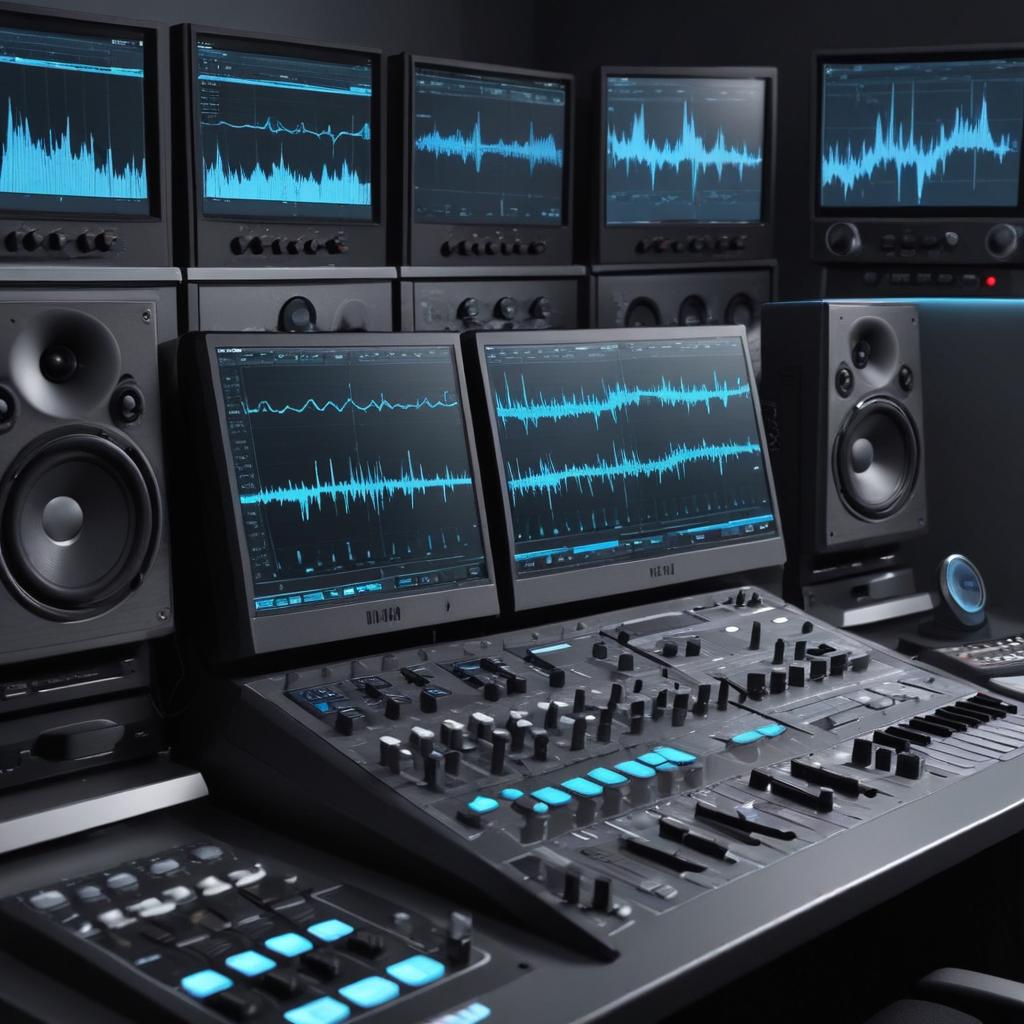
UI sound design requires a combination of the right sound design tools, effective techniques, and valuable resources to create engaging and functional audio experiences. Designers typically start with audio editing software that allows them to manipulate and enhance sounds to fit the UI environment. Popular audio editing tools such as Adobe Audition, Audacity, and Ableton Live provide comprehensive editing capabilities, including waveform editing, layering, and applying effects.
In addition to editing tools, sound libraries are an essential resource for UI sound designers. These libraries offer a plethora of pre-made sound effects that can be customized and adapted to the specific needs of an interface. Platforms like Soundsnap, Freesound, and the Sonniss Sound Library provide extensive collections of UI-specific sounds, ranging from clicks and notifications to more complex interaction cues.
Techniques in UI sound design often involve a balance of subtlety and clarity. Designers use layering to create rich, textured sounds without overwhelming the user. For example, combining a soft click with a gentle whoosh can signal a button press vividly yet unobtrusively. Looping and fading techniques are also pivotal in maintaining continuity, especially in background or ambient UI sounds.
When it comes to implementation, integrating sounds into the user interface demands precision and responsiveness. Tools like Wwise and FMOD are specialized middleware solutions that help designers implement audio dynamically within applications. These tools enable sounds to react to user interactions and environmental conditions in real-time, enhancing the immersive quality of the UI.
Furthermore, collaboration tools and project management software ensure seamless communication between designers, developers, and stakeholders. Version control systems for audio assets and clear documentation are crucial for maintaining consistency throughout the development process.
In summary, mastering UI sound design involves utilizing robust sound design tools, accessing diverse sound libraries, applying creative audio editing techniques, and effectively implementing sounds using advanced middleware. These components collectively enable designers to craft audio experiences that are both intuitive and delightful for users.
Popular Software and Platforms
In UI sound design, choosing the right audio software and platforms is crucial for creating immersive and effective audio experiences. Designers often rely on a combination of digital audio workstations (DAWs), sound editing tools, and rich design platforms to craft their sounds.
- Ableton Live: A popular DAW known for its user-friendly interface and versatile sound editing tools. It supports numerous audio plugins, making it a favorite for both music production and UI sound design.
- Adobe Audition: This powerful audio software provides precise sound editing capabilities with advanced features like spectral display and noise reduction, ideal for polishing UI sounds.
- Pro Tools: Widely used in professional audio editing, Pro Tools offers high-end sound editing tools and comprehensive plugin support, perfect for detailed UI sound design projects.
- FMOD: A design platform specifically tailored for interactive audio, FMOD is popular among game developers for integrating adaptive soundtracks and audio effects within UI environments.
- Wwise: Another design platform favored in game audio, Wwise combines robust sound editing tools with advanced audio plugin integration, enabling dynamic UI sound creation.
- Sound Libraries: Platforms like Splice and Sounds.com offer extensive collections of audio plugins and sound samples that UI sound designers can use to enhance their projects quickly.
These software and platforms collectively empower UI sound designers to create detailed, responsive, and engaging audio experiences that complement the digital interface seamlessly.
Integration into User Interfaces
Integrating sound design into user interfaces requires a careful approach to sound implementation that ensures seamless UI integration and enhances user experience. One of the primary methods involves leveraging audio APIs, such as the Web Audio API or native audio libraries available in mobile and desktop development environments.
Developers often start by creating sound assets optimized for different UI events like clicks, alerts, and notifications. These sounds are then loaded programmatically using API functions that allow dynamic control over playback, volume, and looping. For example, the Web Audio API in JavaScript provides powerful tools to load audio buffers, create audio nodes, and control sound playback with precise timing.
Here is a simple example in JavaScript illustrating sound implementation using the Web Audio API:
const audioContext = new (window.AudioContext || window.webkitAudioContext)();

fetch('click-sound.mp3')

  .then(response => response.arrayBuffer())

  .then(arrayBuffer => audioContext.decodeAudioData(arrayBuffer))

  .then(audioBuffer => {

    const playSound = () => {

      const source = audioContext.createBufferSource();

      source.buffer = audioBuffer;

      source.connect(audioContext.destination);

      source.start();

    };

    document.getElementById('button').addEventListener('click', playSound);

  });
This code snippet fetches a sound file, decodes it, and plays it on a button click event. Similar approaches apply across different frameworks and platforms. Using sound in UI design not only requires implementation but also attention to performance and accessibility, ensuring sounds enhance rather than disrupt the user experience.

I’ve been playing video games since I was a kid, and that passion naturally led me to explore how they’re made. I love diving into game design concepts and sharing insights with fellow enthusiasts. When I’m not testing new titles, I’m tinkering with Unity and learning new programming tricks.