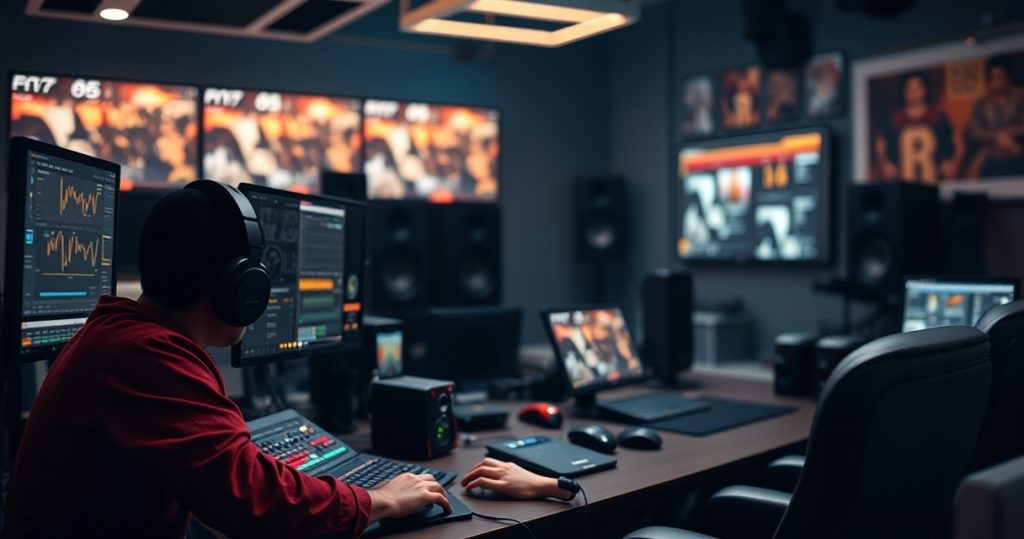
Remote work in game audio has reshaped how sound designers, composers, and voice actors collaborate with game studios. Five years ago, most game audio professionals worked on-site at studios like Ubisoft or EA, but today nearly 70% of indie and mid-sized game projects rely on remote contributors. This shift isn’t just about convenience, it’s a necessity for teams spread across time zones, working on tight budgets, or needing specialized skills that aren’t available locally. From recording Foley in a home studio to mixing dynamic soundtracks in Reaper, remote work in game audio demands both technical precision and creative adaptability. The tools and workflows have evolved to match, but the challenges, like syncing audio to animation or maintaining consistent quality across distributed teams, remain very real.
Why Game Audio Went Remote Faster Than Other Disciplines
Game audio was one of the first disciplines in game development to embrace remote work at scale. Unlike 3D artists or programmers, who often need real-time collaboration on complex assets, audio professionals typically work in self-contained stages. A composer can write a score in Logic Pro, export stems, and send them to a developer without needing constant feedback. Similarly, voice actors record lines in home booths and deliver files via Dropbox or Frame.io, bypassing the need for studio sessions. This modular workflow made audio a natural fit for remote setups, especially for indie studios that couldn’t afford in-house sound teams. Even AAA studios like Naughty Dog now use hybrid models, where core audio staff work on-site while freelancers handle specific tasks like ambient sound design or localized voiceovers.
The pandemic accelerated this trend, but the foundations were already there. Tools like FMOD and Wwise allow audio designers to implement sound banks remotely, while platforms like Source-Connect enable real-time voice direction for actors. The result is a more flexible industry where a sound designer in Berlin can work on a game being developed in Montreal, or a composer in Nashville can score a mobile game made in Tokyo. The key difference from other remote roles in game dev is that audio often requires less back-and-forth iteration, making it easier to manage across time zones.
Essential Tools for Remote Game Audio Collaboration
Remote game audio work hinges on the right software and hardware. For recording, a professional-grade microphone like the Shure SM7B or Neumann TLM 103 is non-negotiable, paired with an audio interface such as the Universal Audio Apollo Twin. Noise suppression tools like iZotope RX 10 or Krisp help clean up recordings made in untreated spaces, which is critical for voice actors working from home. For implementation, middleware like FMOD or Wwise is standard, allowing designers to integrate audio into the game engine without needing direct access to the build. Cloud storage solutions like Google Drive or Dropbox are used for file sharing, but specialized platforms like Frame.io or Soundly offer version control and feedback tools tailored for audio workflows.
Communication is another layer. Slack and Discord are common for team chats, but audio-specific tools like Source-Connect or Cleanfeed enable real-time voice direction for actors, mimicking the experience of a studio session. For composers, platforms like Splice or Soundtrap allow for collaborative music production, while video conferencing tools like Zoom or Microsoft Teams are used for syncing audio to animation or gameplay footage. The challenge isn’t just having the tools, it’s knowing how to use them efficiently. A sound designer might spend hours tweaking a Wwise project only to realize the exported bank doesn’t work in Unity, so understanding the full pipeline from recording to implementation is crucial.
How Remote Voice Acting Changed Game Localization
Voice acting was one of the most disrupted areas of game audio by remote work. Before, studios would fly actors to Los Angeles or London for recording sessions, but now most localization is done remotely. This shift has made games more accessible to global audiences, with titles like “The Witcher 3” or “Cyberpunk 2077” supporting over 10 languages. The process starts with a script breakdown, where lines are divided into batches and sent to actors via platforms like Voices.com or ACX. Directors guide performances over Source-Connect or Zoom, giving real-time feedback on tone and delivery. The files are then cleaned, edited, and synced to animation in tools like Adobe Audition or Pro Tools.
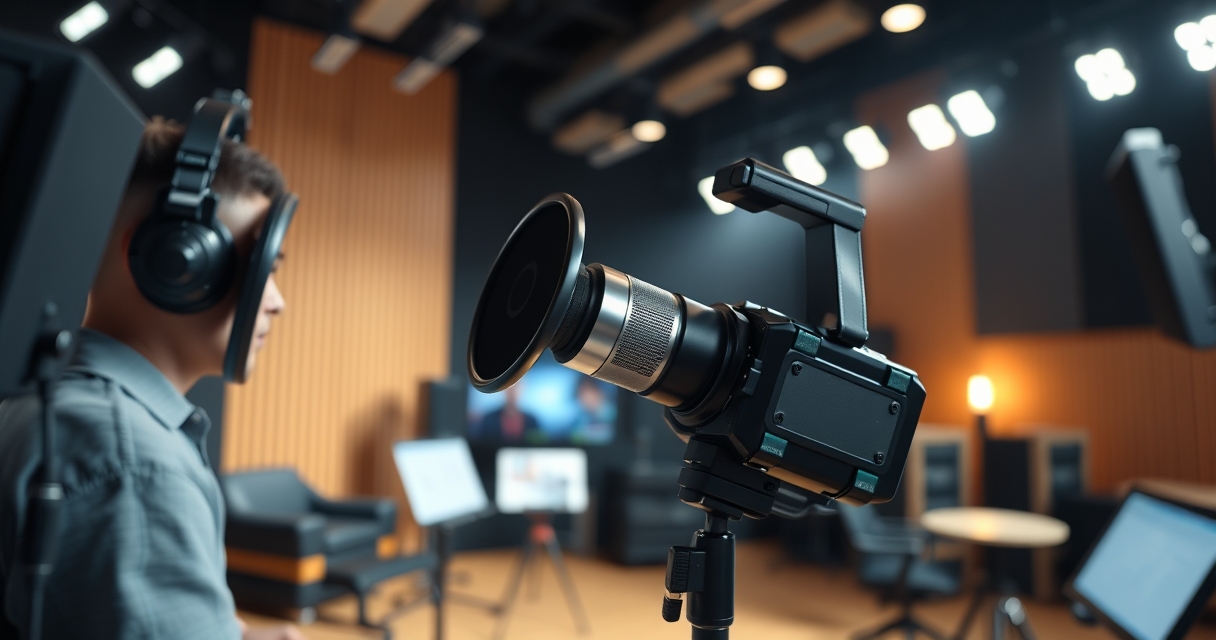
The biggest challenge in remote voice acting is consistency. Without a physical studio, actors might record in different environments, leading to variations in audio quality. To mitigate this, studios provide detailed recording guidelines, specifying microphone placement, room treatment, and even the type of headphones to use. Some companies, like Keywords Studios, have built global networks of voice actors who can deliver consistent performances across multiple languages. Another hurdle is lip-syncing. Remote recordings often lack the precision of in-studio sessions, so animators and audio teams use tools like Faceware or iClone to adjust mouth movements post-recording. The result is a more scalable localization process, but one that requires tighter quality control.
Managing Time Zones and Deadlines in Distributed Audio Teams
Time zones are the silent killer of remote game audio projects. A composer in Sydney working with a studio in San Francisco has only a few overlapping hours each day, which can delay feedback on music cues or sound effects. To manage this, teams use asynchronous workflows, where tasks are broken into clear stages with deadlines. For example, a sound designer might deliver a batch of Foley recordings by Monday, giving the developer time to review and request changes before the next batch is due. Tools like Trello or Asana help track progress, while shared documents in Google Sheets or Notion keep everyone aligned on file naming conventions and delivery formats.
The key to success is over-communication. A composer might send a rough mix of a track for early feedback, even if it’s not final, to avoid last-minute revisions. Similarly, voice actors often record multiple takes of a line to give directors options during editing. For live sessions, studios schedule calls during overlapping hours, even if it means early mornings or late nights. Some teams use “handoff” systems, where one person’s workday ends as another’s begins, creating a near-24-hour production cycle. The biggest risk isn’t the time difference itself, it’s assuming everyone is on the same page. A single miscommunication about file formats or naming conventions can derail a project, so documentation is critical.
Building a Home Studio on a Game Audio Budget
A functional home studio for game audio doesn’t require a Hollywood-level setup, but it does need careful planning. The core components are a quiet space, a good microphone, and an audio interface. For voice acting, a small vocal booth or a treated closet with acoustic panels can work, while sound designers might need a larger space for recording Foley. The Shure SM7B is a popular choice for voice work, while the Rode NT5 is better for capturing ambient sounds. An audio interface like the Focusrite Scarlett 2i2 or Universal Audio Volt 276 provides clean preamps and low-latency monitoring. Software-wise, Reaper is a cost-effective DAW for editing, while Pro Tools is the industry standard for mixing.
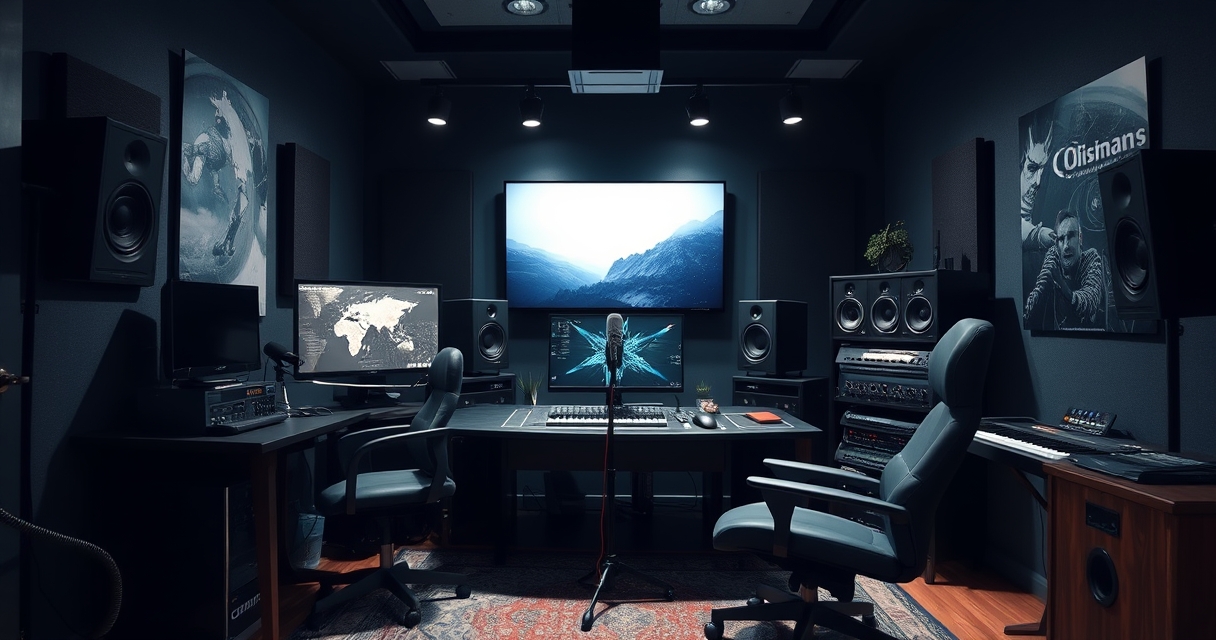
The biggest mistake is skimping on acoustics. A $500 microphone won’t sound good in an untreated room, so investing in bass traps, diffusers, and foam panels is just as important as the gear. For Foley, everyday objects like pots, gravel, or fabric can create realistic sounds, but a portable recorder like the Zoom H4n is useful for field recordings. Budget constraints often force compromises, but prioritizing the essentials, good mic, interface, and treatment, will yield better results than splurging on plugins. Many game audio professionals start with a minimal setup and upgrade as they land bigger projects. The goal isn’t to replicate a professional studio, but to create a space where the audio is clean and consistent enough for game integration.
Common Pitfalls in Remote Game Audio and How to Avoid Them
Remote game audio work is full of hidden traps. One of the most common is file management. A sound designer might deliver a batch of SFX with inconsistent naming conventions, like “explosion_01.wav” and “big_boom_final.wav,” making it impossible for the developer to implement them correctly. To avoid this, teams should agree on a naming system early, using prefixes like “SFX_Env_Water_Drip_01” or “VO_Character_Angry_03.” Another issue is latency in real-time collaboration. A composer might send a music cue that sounds perfect in their DAW but plays out of sync in the game engine due to different sample rates. Always test audio in the target engine before finalizing deliveries.
Communication breakdowns are another frequent problem. A voice actor might deliver lines that don’t match the character’s emotional tone, or a sound designer might create SFX that clash with the game’s aesthetic. To prevent this, studios should provide detailed briefs, including reference videos, mood boards, and style guides. For example, a horror game might specify that ambient sounds should be subtle and unsettling, while a sci-fi game might require more futuristic, synthetic textures. Finally, technical issues like corrupted files or incompatible formats can derail a project. Always back up work in multiple locations and use lossless formats like WAV or FLAC for final deliveries. The best remote audio professionals anticipate these problems and build safeguards into their workflows.

I’ve been playing video games since I was a kid, and that passion naturally led me to explore how they’re made. I love diving into game design concepts and sharing insights with fellow enthusiasts. When I’m not testing new titles, I’m tinkering with Unity and learning new programming tricks.