Understanding the Game Audio Pipeline
Game audio design doesn’t start with microphones or synthesizers. It begins with a spreadsheet. Every sound effect, voice line, and music cue must align with the game’s design document, technical constraints, and player experience. A typical pipeline spans five phases: pre-production planning, asset creation, implementation, testing, and iteration. Each phase feeds into the next, forming a loop that continues until the game ships. The key difference from linear media like film is interactivity. In games, audio must respond to unpredictable player actions, so the workflow prioritizes flexibility over fixed sequences.
Most studios structure their audio teams around these phases. A lead audio designer handles the high-level vision and integration, while junior designers focus on asset creation. Middleware tools like FMOD or Wwise act as the bridge between the audio files and the game engine. These tools allow designers to trigger sounds based on in-game events, adjust parameters in real time, and manage memory usage. Without middleware, audio would either play at the wrong moment or consume too much RAM, breaking immersion or crashing the game.
Pre-Production: Mapping the Audio Landscape
Before recording a single sound, audio designers need a blueprint. This phase involves reading the game design document, attending design meetings, and creating an audio design document. The document lists every sound the game needs, grouped by category: UI feedback, character movements, environmental ambience, weapons, and music. For example, a first-person shooter might require 15 variations of a pistol shot, 30 footstep sounds for different surfaces, and dynamic music layers that shift based on combat intensity.
The audio design document also defines technical specifications. Sample rates, bit depths, file formats, and naming conventions must be consistent to avoid integration headaches later. A common standard is 48 kHz, 24-bit WAV files for high-quality assets, with OGG Vorbis or MP3 for music to save space. Naming conventions follow a strict hierarchy, such as weapon_pistol_fire_dry_01.wav or env_forest_ambience_day_03.ogg. This consistency ensures that when a programmer references a sound in the engine, the correct file loads without errors.
Asset Creation: From Raw Sounds to Game-Ready Files
With the blueprint in hand, designers move to asset creation. This phase splits into two paths: recording and synthesis. For realistic sounds like footsteps or gunshots, designers record real-world sources. A shotgun blast might combine a close-mic recording of a blank firing, a distant tail for reverb, and a synthetic low-end thump to enhance the bass. For fantasy or sci-fi sounds, synthesis takes over. A laser weapon could start with a sine wave, layered with white noise for the beam, and a metallic impact for the hit.
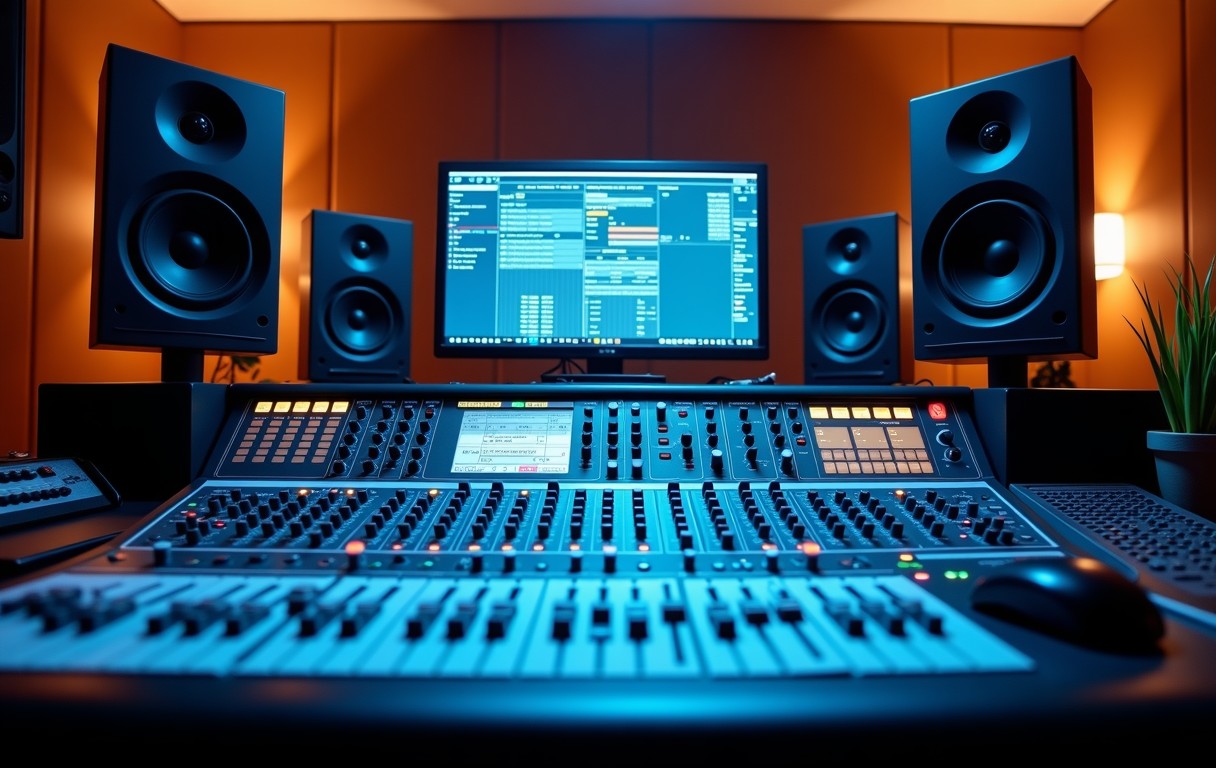
Variation is critical. Players hear the same sounds repeatedly, so designers create multiple versions of each asset. A footstep on gravel might have 10 variations, each with slight timing or EQ differences. Middleware tools randomize these variations to prevent repetition fatigue. Processing chains include EQ to remove unwanted frequencies, compression to even out dynamics, and reverb to place sounds in the game world. For example, a cave ambience might use a convolution reverb with an impulse response recorded in an actual cave, while a sci-fi hallway might use a synthetic algorithmic reverb for a more artificial feel.
Implementation: Connecting Audio to Gameplay
Implementation is where audio becomes interactive. Designers use middleware to map sounds to in-game events. In FMOD, this involves creating events, which are containers for audio assets and logic. An event for a door might include an opening sound, a closing sound, and a creaking loop that plays while the door is in motion. The event is then placed in the game world, either as a 3D emitter or a 2D UI sound. 3D sounds use spatialization to change volume and panning based on the player’s position, while 2D sounds play at a fixed volume, like a menu selection.
Parameter control adds depth. A weapon’s firing sound might change based on distance, obstruction, or player health. In FMOD, designers set up parameters like distance or health_percentage, then modulate the sound’s volume, pitch, or effects based on these values. For example, a gunshot might play at full volume when the player is uninjured but muffle and slow down as health decreases, reinforcing the player’s vulnerability. Integration with the game engine happens through plugins or APIs, which allow the engine to trigger events and update parameters in real time.
Testing and Iteration: Refining the Audio Experience
Testing reveals whether the audio enhances or detracts from the game. Designers playtest early builds, listening for issues like clipping, missing sounds, or inappropriate volume levels. A common problem is audio fatigue, where repetitive sounds become annoying. To fix this, designers add more variations or adjust the randomization settings in the middleware. Another issue is synchronization. Footsteps might play too early or too late, breaking immersion. This requires tweaking the event triggers in the engine or adjusting the animation timings.
Iteration is constant. Audio designers work closely with programmers and animators to refine timing and behavior. For example, a sword swing sound might need to trigger slightly before the visual impact to feel responsive. Music systems also require iteration. A dynamic music track might have layers that fade in and out based on gameplay intensity. Testing ensures these transitions feel smooth and don’t distract from the action. Tools like FMOD’s profiler help identify performance bottlenecks, such as too many simultaneous sounds or excessive CPU usage from real-time effects.
Optimization: Balancing Quality and Performance
Games run on limited hardware, so audio must be optimized without sacrificing quality. The first step is file compression. Music and ambience often use OGG Vorbis or MP3 to reduce file sizes, while sound effects use WAV for higher fidelity. Bitrates are adjusted based on importance. A critical dialogue line might stay at 192 kbps, while a distant ambient loop could drop to 96 kbps. Middleware helps by streaming large files instead of loading them entirely into memory.
Another optimization technique is prioritization. Games can’t play every sound at once, so designers set priorities in the middleware. A gunshot might have a higher priority than a distant bird chirp, ensuring the important sounds always play. Occlusion and obstruction systems also save resources. Instead of playing a full 3D sound when an object blocks the path, the middleware applies a low-pass filter to simulate muffling, reducing the need for multiple audio sources. Finally, designers use batch processing tools to automate tasks like normalization, trimming silence, and converting file formats, saving hours of manual work.
Collaboration: Working with Other Disciplines
Game audio doesn’t exist in isolation. Designers collaborate with nearly every team in the studio. Programmers help integrate middleware with the engine, while animators ensure sounds sync with character movements. Level designers provide feedback on how audio enhances or conflicts with the environment. For example, a horror game might use audio to guide players toward objectives, but if the sound design is too subtle, players might miss key cues. Regular playtests with the entire team catch these issues early.
Communication is key. Audio designers attend daily stand-ups, share progress in shared documents, and use version control systems like Perforce or Git to manage assets. Naming conventions and folder structures must be clear to avoid confusion. For example, a folder named SFX/Weapons/Pistol should contain only pistol-related sounds, not shotgun files. Documentation is also critical. A shared spreadsheet or wiki tracks which sounds are implemented, which need revisions, and which are still missing. This transparency prevents duplication of work and ensures everyone is aligned on the audio vision.

I’ve been playing video games since I was a kid, and that passion naturally led me to explore how they’re made. I love diving into game design concepts and sharing insights with fellow enthusiasts. When I’m not testing new titles, I’m tinkering with Unity and learning new programming tricks.