

For anyone stepping into the world of interactive entertainment, the choice of Game development tools can feel like the difference between a hobbyist experiment and a professional portfolio. Modern creators no longer need to build every system from scratch; a well‑chosen suite of software handles rendering, physics, input, and networking while letting the designer focus on gameplay. Understanding the strengths and limitations of each package helps aspiring developers allocate time efficiently and avoid costly rework. This article walks through the most influential programs that shape today’s indie titles, large‑scale productions, and experimental projects alike.
Game development tools: Integrated Development Environments (IDEs)
Integrated Development Environments provide the core workspace where code, assets, and debugging converge. Platforms such as Unity and Unreal Engine bundle editors, compilers, and real‑time preview windows, allowing developers to iterate quickly without leaving the application. Unity’s C# scripting and Unreal’s Blueprint visual language cater to different skill levels, yet both deliver sophisticated lighting, particle systems, and physics out of the box. An IDE’s ability to manage project files, resolve dependencies, and integrate third‑party plugins often determines the speed at which a prototype becomes playable.
Beyond the major engines, lighter IDEs like Godot and CryEngine serve niche communities with open‑source flexibility and low licensing barriers. Godot’s scene system encourages modular design, making it easier to reuse components across multiple projects. Meanwhile, CryEngine’s focus on high‑fidelity graphics attracts developers aiming for photorealistic environments. Choosing an IDE that aligns with the target platform, whether PC, console, or mobile, ensures smoother deployment and reduces platform‑specific headaches later in the pipeline.
Visual scripting platforms
Visual scripting removes the need for extensive textual code by allowing creators to drag and connect nodes that represent logic functions. Tools like Unreal’s Blueprint and Unity’s Bolt empower designers who excel at level layout or narrative pacing but lack deep programming backgrounds. By visualizing execution flow, these platforms make debugging more intuitive; developers can trace the path of a variable through a graph rather than scanning lines of code. This approach also speeds up prototyping, as complex behaviors can be assembled in minutes rather than hours of manual coding.
While visual scripting excels for rapid iteration, it does have performance considerations. Large node networks can introduce overhead if not optimized, and certain low‑level system interactions may still require traditional code. Many studios adopt a hybrid workflow, using visual tools for high‑level gameplay mechanics while delegating performance‑critical sections to C++ or C#. This balance lets teams leverage the accessibility of node‑based design without sacrificing efficiency.
Asset creation suites
High‑quality visuals rely on dedicated software for modeling, texturing, and animation. Industry standards such as Blender, Maya, and Substance Painter dominate the pipeline, each offering specialized capabilities. Blender’s free, open‑source nature makes it a popular entry point, providing polygon modeling, rigging, and sculpting tools comparable to commercial alternatives. Maya excels in character animation and offers robust integration with motion capture data, a feature prized by studios producing cinematic sequences.
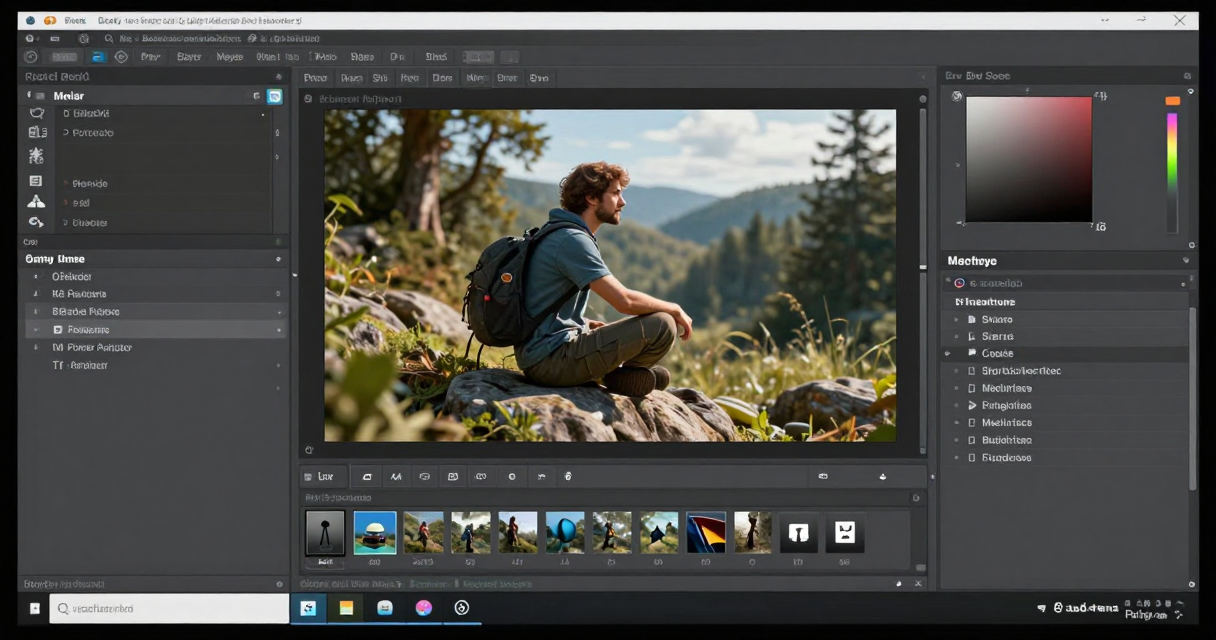
Texture creation benefits from tools like Substance Painter, which enables artists to paint physically based material properties directly onto 3D models. The software’s real‑time preview of how textures respond to lighting conditions accelerates the iteration loop, reducing the need for external render tests. When combined with a proper asset management workflow, these suites ensure that visual elements remain consistent across different game engines and hardware configurations.
Version control systems
Collaboration on code and assets becomes manageable only with a reliable version control system. Git, paired with hosting services such as GitHub or GitLab, offers distributed repositories that track every change, allowing multiple developers to work on the same project without overwriting each other’s work. Branching strategies, like feature branches and release branches, help teams isolate new functionality while maintaining a stable main line for production builds.
For large binary assets, extensions like Git LFS or dedicated solutions such as Perforce provide efficient handling of files that do not compress well. Perforce’s locking mechanism prevents simultaneous edits on large texture or audio files, reducing merge conflicts. Implementing a consistent commit message policy and automated build triggers further streamlines the development cycle, ensuring that each integration point is verified before reaching the testing stage.
Testing and debugging utilities
Quality assurance relies on tools that can simulate a wide range of hardware configurations and capture runtime errors. Debuggers embedded in IDEs allow developers to set breakpoints, inspect variable states, and step through execution line by line. Profilers, such as Unity’s Profiler or Unreal’s Insights, reveal performance bottlenecks by monitoring CPU, GPU, and memory usage in real time.

Automated testing frameworks extend this capability by running unit tests, integration tests, and regression suites without manual intervention. Continuous integration pipelines, often built with Jenkins or GitHub Actions, trigger these tests on each commit, catching issues early in the development timeline. For mobile and console platforms, emulators and device farms provide a cost‑effective way to validate performance across diverse hardware before shipping.
Publishing and monetization platforms
Reaching an audience involves more than just finishing a playable build; developers must navigate storefront requirements, licensing, and revenue models. Platforms such as Steam, Epic Games Store, and the PlayStation Store each impose specific packaging formats, certification processes, and pricing structures. Understanding these guidelines early helps avoid costly re‑submission cycles and ensures compliance with platform‑specific policies.
Monetization tools, including in‑app purchase SDKs and ad mediation layers, enable creators to generate ongoing revenue streams. Services like Unity Ads, AdMob, and PlayFab provide ready‑made solutions for virtual currency, subscription models, and player analytics. Integrating these services during the development phase, rather than as an afterthought, allows for balanced gameplay experiences that respect player expectations while delivering sustainable income for the studio.

I’ve been playing video games since I was a kid, and that passion naturally led me to explore how they’re made. I love diving into game design concepts and sharing insights with fellow enthusiasts. When I’m not testing new titles, I’m tinkering with Unity and learning new programming tricks.