Essential Tools for Audio Game Jams
Participating in audio game jams requires a solid set of audio game jam tools that facilitate efficient sound design and game audio editing. Whether you are a beginner or a seasoned sound designer, having the right software and hardware can make the creative process smoother and more enjoyable.
One of the fundamental software tools in audio game jams is a Digital Audio Workstation (DAW). Popular DAWs like Ableton Live, FL Studio, and Reaper offer versatile platforms for sound creation, layering, and editing. These programs support multiple tracks and plugins, enabling users to compose intricate soundscapes and sound effects essential for immersive games. For those focused specifically on sound design, programs such as Audacity provide free and open-source alternatives that excel in detailed audio editing and recording.
Sound design software often includes synthesizers, samplers, and effects processors that allow creators to manipulate audio samples and craft unique game audio content. Tools like Native Instruments Kontakt or Serum are favorites for creating custom instruments and textures that can elevate a game’s auditory experience. Additionally, software such as FMOD and Wwise is invaluable for integrating dynamic audio into game environments, enabling real-time audio manipulation based on game scenarios.
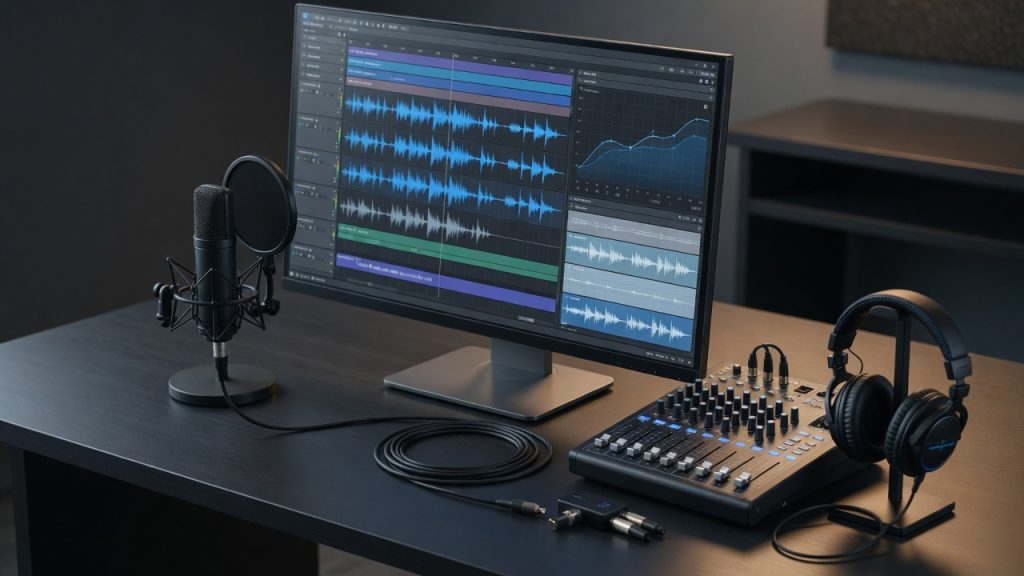
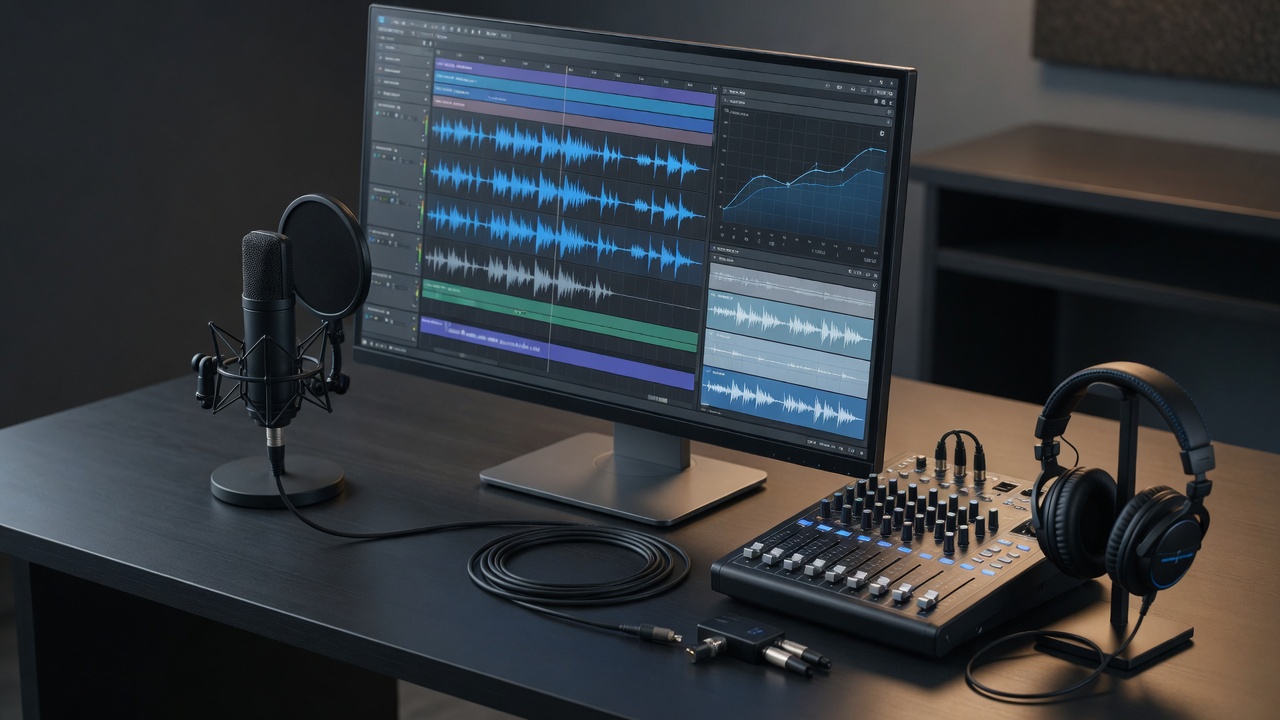
Hardware also plays a crucial role in successful audio game jam projects. A reliable audio interface ensures high-quality sound input and output, reducing latency and noise during recording and playback. USB microphones, such as the Blue Yeti or Audio-Technica AT2020, are popular choices for capturing voice and environmental sounds. Headphones with accurate sound reproduction, like the Audio-Technica ATH-M50x, help sound designers critically analyze audio and make precise adjustments during editing.
Beyond software and hardware, many audio game jam participants use MIDI controllers and portable recorders to capture real-world sounds and control synthesizers or DAWs more intuitively. These essential tools empower creators to produce engaging audio assets quickly, which is vital given the tight deadlines in audio game jams. By equipping themselves with these sound design software and game audio editing tools, developers can craft compelling and immersive sound experiences that enhance any audio-focused game project.
Digital Audio Workstations (DAWs)
Digital audio workstations, commonly known as DAW software, play a central role in audio game jams by serving as the primary platform for music production and sound design. These powerful music production tools enable creators to compose, arrange, and mix soundtracks and game audio assets in one integrated environment. In audio game jams, where time and creativity are crucial, DAWs provide the flexibility and efficiency needed to quickly bring audio ideas to life.
Popular DAWs such as Ableton Live, FL Studio, Logic Pro, and Reaper are frequently chosen by game developers and audio designers alike. Each offers unique features that benefit game audio creation, including multi-track recording, MIDI sequencing, virtual instruments, and the ability to integrate third-party plugins and sound libraries. These features help participants craft immersive and dynamic soundscapes tailored specifically for the interactive elements of their games.
Additionally, DAWs support automation and real-time manipulation of sound parameters, which is particularly valuable in interactive audio design where sounds must respond dynamically to game events. The ability to export audio in various formats and stems further streamlines the integration of sounds into game engines. Overall, the use of digital audio workstations in audio game jams accelerates the creative process, enhances audio quality, and expands the sonic possibilities available to participants.
Sound Libraries and Assets
Using sound libraries and audio assets is essential for creating immersive and polished audio experiences in game jams. These resources provide a wide variety of game sound effects that save developers time and effort, allowing them to focus on gameplay and design. High-quality audio clips from sound libraries can enhance the atmosphere and engage players more effectively.
Many developers rely on curated asset packs which include footsteps, environmental sounds, UI effects, and weapon noises. These packs are especially valuable in fast-paced jams where original sound creation may not be feasible.
| Source | Description | Best For |
|---|---|---|
| Freesound | A collaborative database of Creative Commons licensed sounds from contributors worldwide. | Free high-quality sound clips of varied categories. |
| OpenGameArt | Offers community-uploaded audio assets alongside visual art, under permissive licenses. | Perfect for open-source and indie game projects. |
| Sonniss GDC Collection | An annual free collection of top-tier professional sound libraries from GDC releases. | Excellent for high-quality, diverse game sound effects. |
| ZapSplat | A large library offering thousands of free and premium sound effects with easy licensing. | Great for quick access to mainstream game audio assets. |
Collaboration and Version Control Tools
When it comes to audio game jams, effective collaboration tools and version control audio solutions are essential for ensuring smooth teamwork and efficient file management. These tools enable participants to coordinate seamlessly, share assets, and keep track of changes, which is especially important in fast-paced, creative environments like team audio game jams.
One of the most popular collaboration tools is Discord. It provides voice, video, and text communication channels, making it easy for teams to discuss ideas, share feedback, and troubleshoot problems in real time. Additionally, Discord supports file sharing, which is critical when exchanging audio files and game builds during development.
For version control audio and other assets, Git paired with platforms like GitHub or GitLab is widely used. These tools allow multiple contributors to work on the same project concurrently while tracking changes and managing different versions. Their branching functionality enables teams to experiment with new features or sound effects without disrupting the stable version of the project.
Another great option for those who prefer a more visual and user-friendly approach is Plastic SCM, especially useful for managing large binary files like audio clips. Its intuitive interface helps keep the version control process less daunting for audio specialists who may not be familiar with Git commands.
Cloud storage services such as Google Drive or Dropbox complement collaboration tools by providing easy, centralized access to files. They also offer synchronization features, ensuring that all team members have the most up-to-date audio files and project documents without confusion or data loss.
Finally, integrated project management platforms like Trello or Asana help organize tasks and deadlines, making sure that the team stays on track throughout the audio game jam. They enhance workflow visibility, so everyone is aware of progress and responsibilities.
Using these collaboration tools and version control audio solutions collectively streamlines the creative process, enabling teams to focus on crafting immersive soundscapes and dynamic audio experiences. Proper coordination and file sharing are key to delivering polished results within the limited timeframes typical of team audio game jams.
Cloud Storage and File Sharing
Cloud storage solutions play a crucial role in audio game jams by enabling teams to share and manage large audio files efficiently. During the high-paced environment of a game jam, quick collaboration is essential, and cloud storage facilitates this by providing a centralized location where all audio assets can be uploaded, accessed, and updated in real-time. Instead of relying on traditional methods like USB drives or email attachments, which can be slow and cumbersome, cloud storage offers seamless file sharing and synchronization across multiple devices and team members.
This streamlined approach to audio file management helps prevent version control issues and reduces the risk of losing important assets. Teams can organize their audio files in structured folders, making it easier to retrieve and manage different sound effects, music tracks, and voice recordings throughout the jam. Additionally, many cloud platforms support large file uploads, which is essential when working with high-quality audio files that can be several gigabytes in size.
Moreover, cloud storage services often come with integrated sharing features, allowing teams to grant different levels of access to collaborators, ensuring security and control over sensitive audio content. Overall, leveraging cloud storage and file sharing capabilities significantly enhances productivity and communication, empowering audio game jam teams to focus more on creativity and less on logistical hurdles.
Version Control Systems
Version control systems like Git are invaluable tools for managing complex projects, and their utility extends well into the realm of audio game jams. By adapting version control for audio files and project iterations, teams can efficiently collaborate and keep track of changes in real time. Git, traditionally used for code, can be configured to handle large audio assets through techniques such as Git Large File Storage (LFS), allowing for the seamless management of high-quality audio tracks and sound effects without overwhelming the repository.
Audio collaboration benefits immensely from version control because it provides a clear history of edits, enabling contributors to experiment freely and revert to earlier versions if needed. This iterative process is crucial in game jams, where rapid prototyping and frequent revisions are the norms. By using Git branches, each team member can work on different audio elements independently before merging them into the main project, preventing conflicts and streamlining the integration process.
Moreover, version control encourages transparency and coordination among team members, as changes are documented with commit messages, making it easy to understand the evolution of the audio components. This system also supports asynchronous collaboration, allowing contributors across different time zones to work efficiently without losing progress. In summary, leveraging Git and similar version control systems in audio game jams enhances organization, fosters creative freedom, and ensures that every iteration of the project is meticulously recorded and managed.
Tips for Maximizing Tool Usage in Audio Game Jams
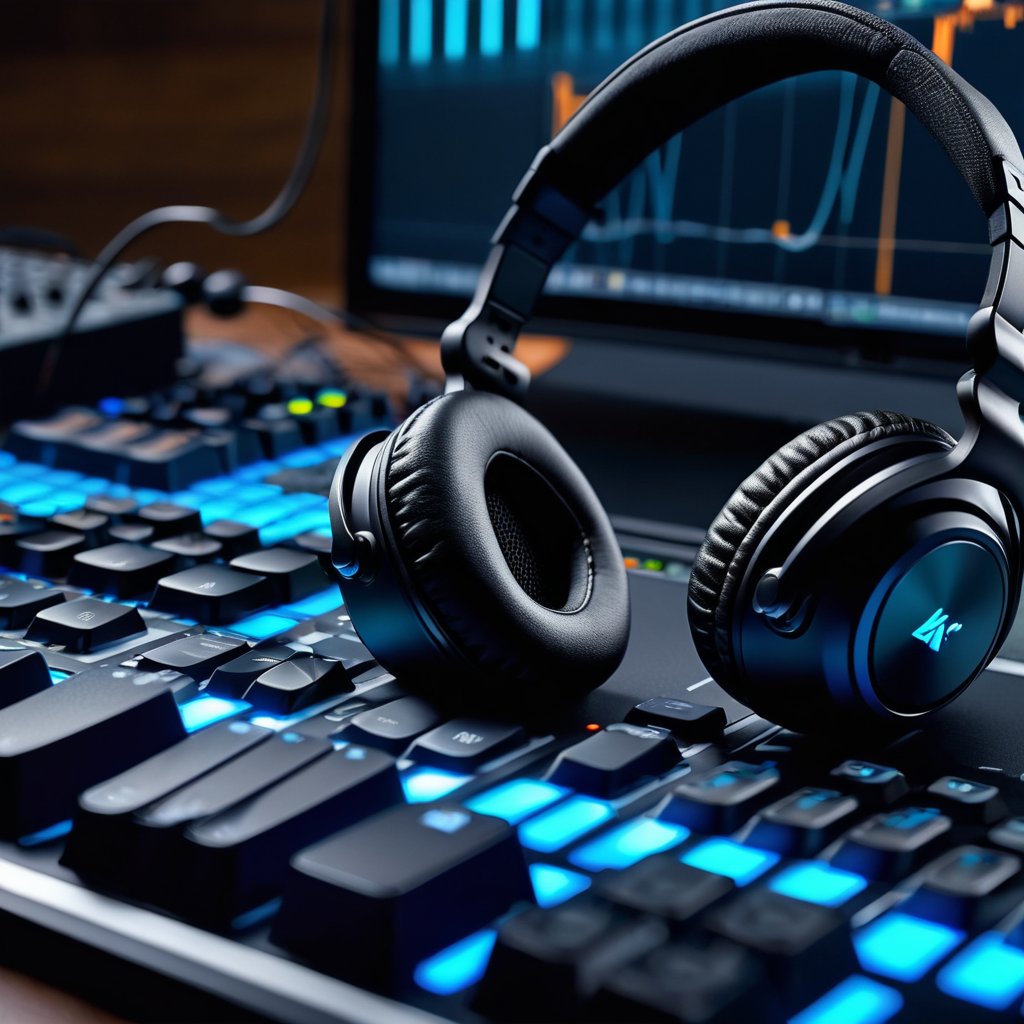
Participating in an audio game jam requires not only creativity but also efficiency. Time constraints can be challenging, so mastering tool optimization is essential to maintaining a smooth and productive workflow. Here are some actionable audio game jam tips to help you maximize your tool usage and enhance your audio creativity.
First, familiarize yourself with your primary audio tools before the jam begins. Knowing the shortcuts, presets, and capabilities of your Digital Audio Workstation (DAW) or sound design software saves precious minutes. This preparation allows you to jump straight into creativity rather than learning on the fly.
Next, organize your assets and samples efficiently. Create categorized libraries for loops, sound effects, and music snippets that you can quickly access. Efficient audio workflow means reducing the time spent searching for sounds so you can focus on composing and sound design.
Leverage automation within your tools to handle repetitive tasks, such as volume adjustments, panning, and effects processing. Automation enhances consistency and frees you to concentrate on the creative aspects, allowing your ideas to flow without interruption.
Another crucial tip is to use templates tailored specifically for audio game jams. Having a ready-made project with routes, effects chains, and buses set up means you start each jam with a powerful foundation, helping you work faster and more efficiently under pressure.
Collaboration tools and plugins can also play a vital role. If you’re working in a team, real-time sharing and version control help everyone stay synchronized, cutting down redundant work while boosting creative synergy.
Finally, don’t be afraid to experiment within constraints. Limited time can spark innovation if you focus on using your tools creatively. Challenge yourself to explore new techniques, effects, or sound sources that might differentiate your game audio from others.
By incorporating these audio game jam tips and strategies for tool optimization, you can ensure a more efficient audio workflow and produce outstanding audio content even under tight deadlines.
Streamlining Workflow with Templates and Presets
Using audio templates and presets in your workflow can significantly enhance your efficiency during game jams. These pre-configured setups allow you to jumpstart your projects without having to repeatedly adjust settings or recreate standard audio elements from scratch. By having a reliable base created beforehand, you save valuable time, which can then be allocated to more creative aspects of your game audio design.
Templates often include commonly used track arrangements, effects chains, and routing standards that align well with typical game audio needs. This consistency ensures that your projects maintain a uniform sound quality and organizational structure, making it easier to manage files and collaborate with team members. Presets further streamline the process by letting you apply favored audio processing settings instantly, providing a quick way to polish your sounds without delving into complex adjustments each time.
Implementing audio templates and presets reduces the likelihood of errors caused by manual setup, allowing you to focus on refining the creative direction of your game. Overall, integrating these tools into your workflow empowers you to produce high-quality audio content more quickly and with greater consistency, ultimately enhancing your productivity and output during intense game jam sessions.
Balancing Creativity and Efficiency
In the fast-paced environment of an audio game jam, striking the right balance between creative process and time management is crucial for success. While the urge to experiment and innovate can lead to groundbreaking ideas, it’s important to ensure that this creativity stays aligned with the limited time available. One effective approach is setting clear milestones that allow space for both exploration and refinement, giving your team defined checkpoints to assess progress without stifling innovation.
Another key strategy is prioritizing tasks that directly impact the game’s core experience. By focusing creative efforts on elements that enhance the audio and gameplay synergy, you can avoid unnecessary detours that consume valuable hours. Utilizing time management techniques such as the Pomodoro Technique or timeboxing can create productive bursts of creativity while keeping the overall schedule intact.
Moreover, adopting iterative workflows helps balance the creative process with efficiency. Developing rough versions early allows for quick feedback and adjustments, preventing large-scale reworking near the deadline. Communication plays a vital role, too—regular check-ins ensure everyone remains aligned and can pivot creatively without jeopardizing project timelines. Embracing these approaches enables teams to harness their full creative potential while respecting the constraints of the jam, ultimately increasing the chances of audio game jam success.

I’ve been playing video games since I was a kid, and that passion naturally led me to explore how they’re made. I love diving into game design concepts and sharing insights with fellow enthusiasts. When I’m not testing new titles, I’m tinkering with Unity and learning new programming tricks.